

Authentication
All requests require a Factory API key in theAuthorization header:
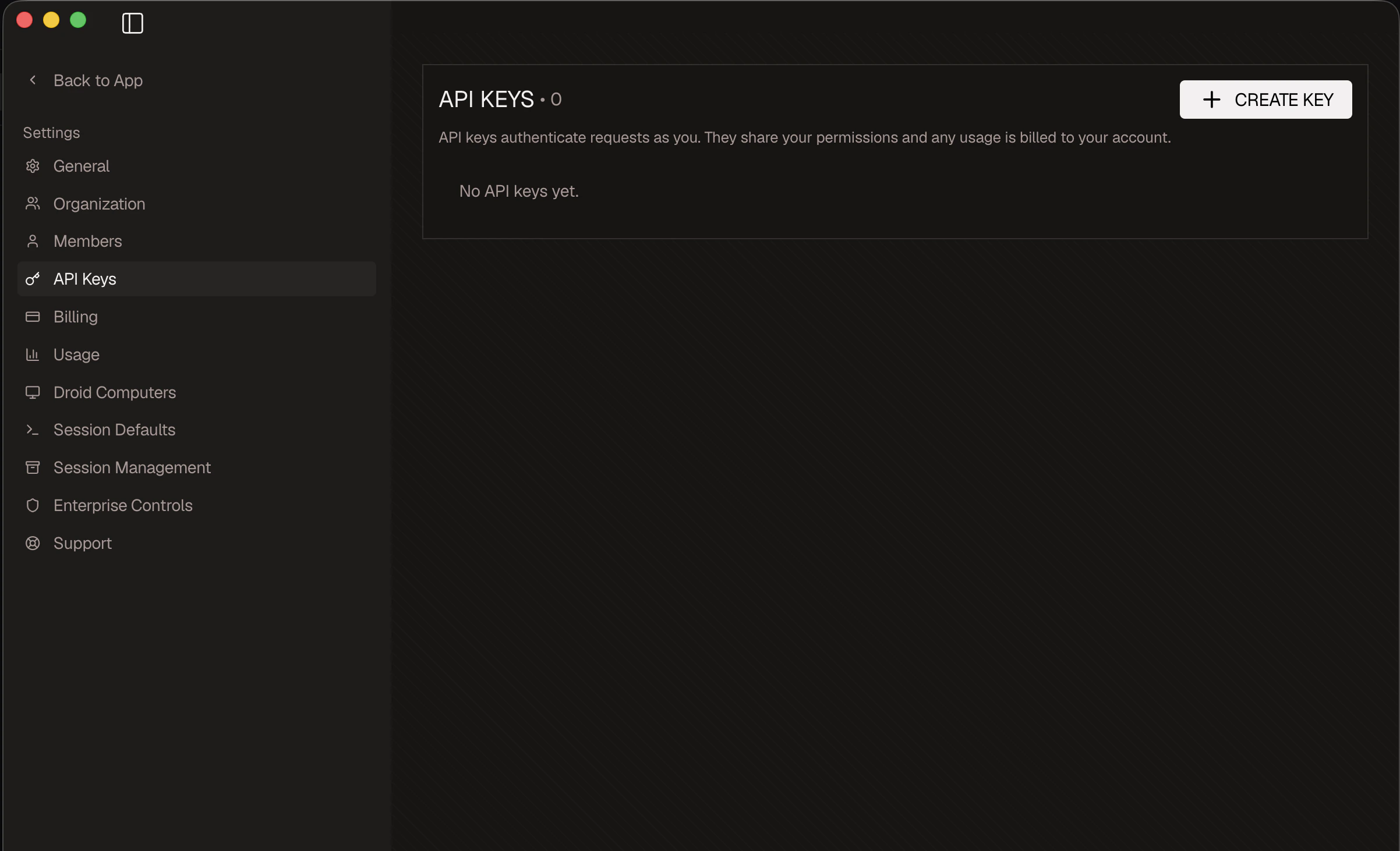
Generate an API key
- Sign in to the Factory App at app.factory.ai.
- Open app.factory.ai/settings/api-keys.
- Click Create API key, give it a descriptive name, and copy the value (it begins with
fk-).
Permissions
Only users with Manager or Owner roles can create API keys and call the Public API. Members and guests will receive a403 Forbidden response.
API keys inherit the role of the user who created them. Revoke keys from app.factory.ai/settings/api-keys when team members change roles or leave the organization.
Available Endpoints
The Public API is grouped into three resource families:| Group | Description |
|---|---|
Computers | Provision, list, restart, and delete persistent Droid computer environments |
Sessions | Create sessions, post messages, and inspect session history |
Organization | Manage org users, usage limits, and enterprise control history |
Next Steps
List Computers
See existing Droid computer environments in your organization
Create a Session
Drive a Droid programmatically from your own systems
Manage Organization Users
Invite, remove, and configure org members for admin workflows